◈
My First Client Website
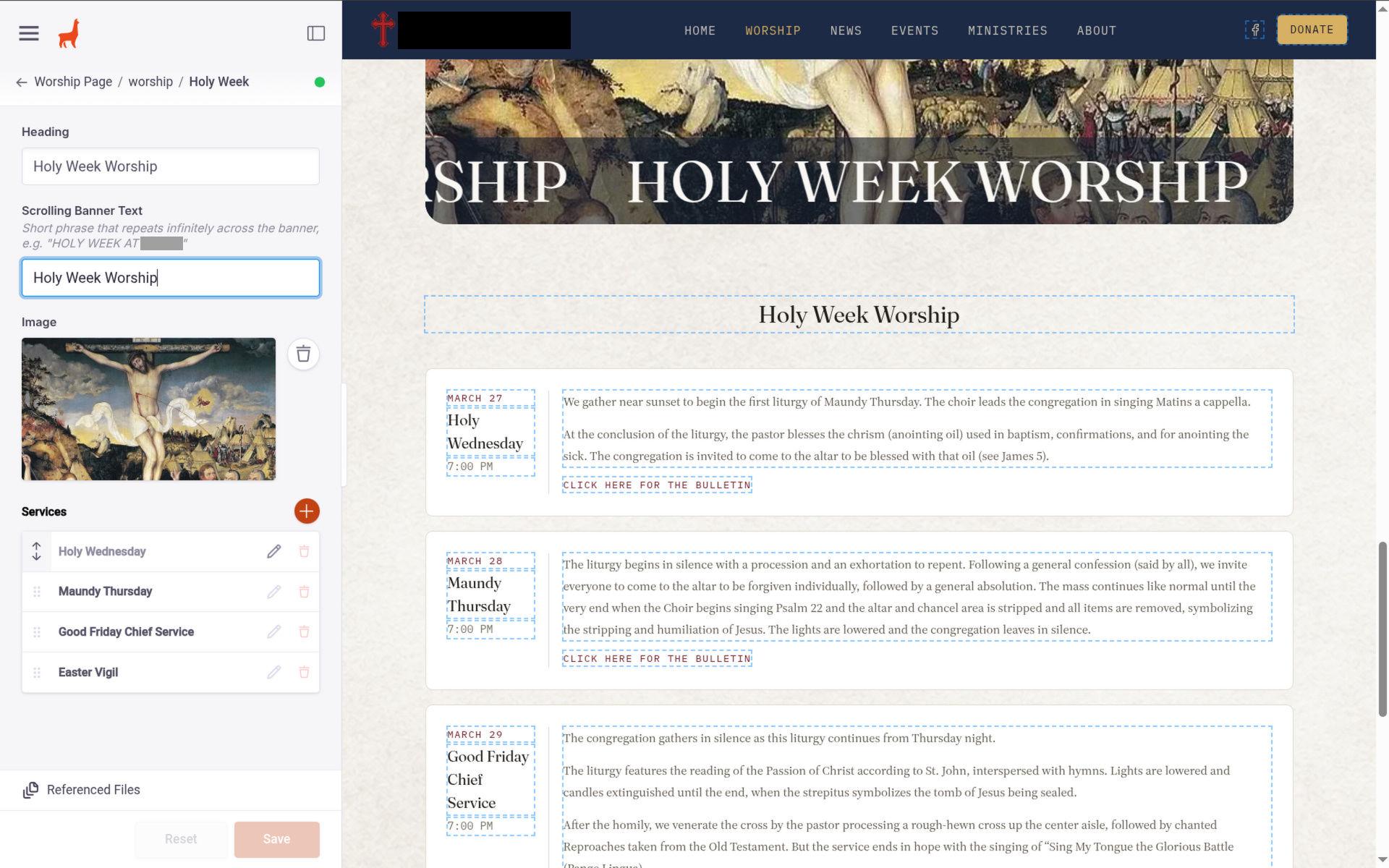
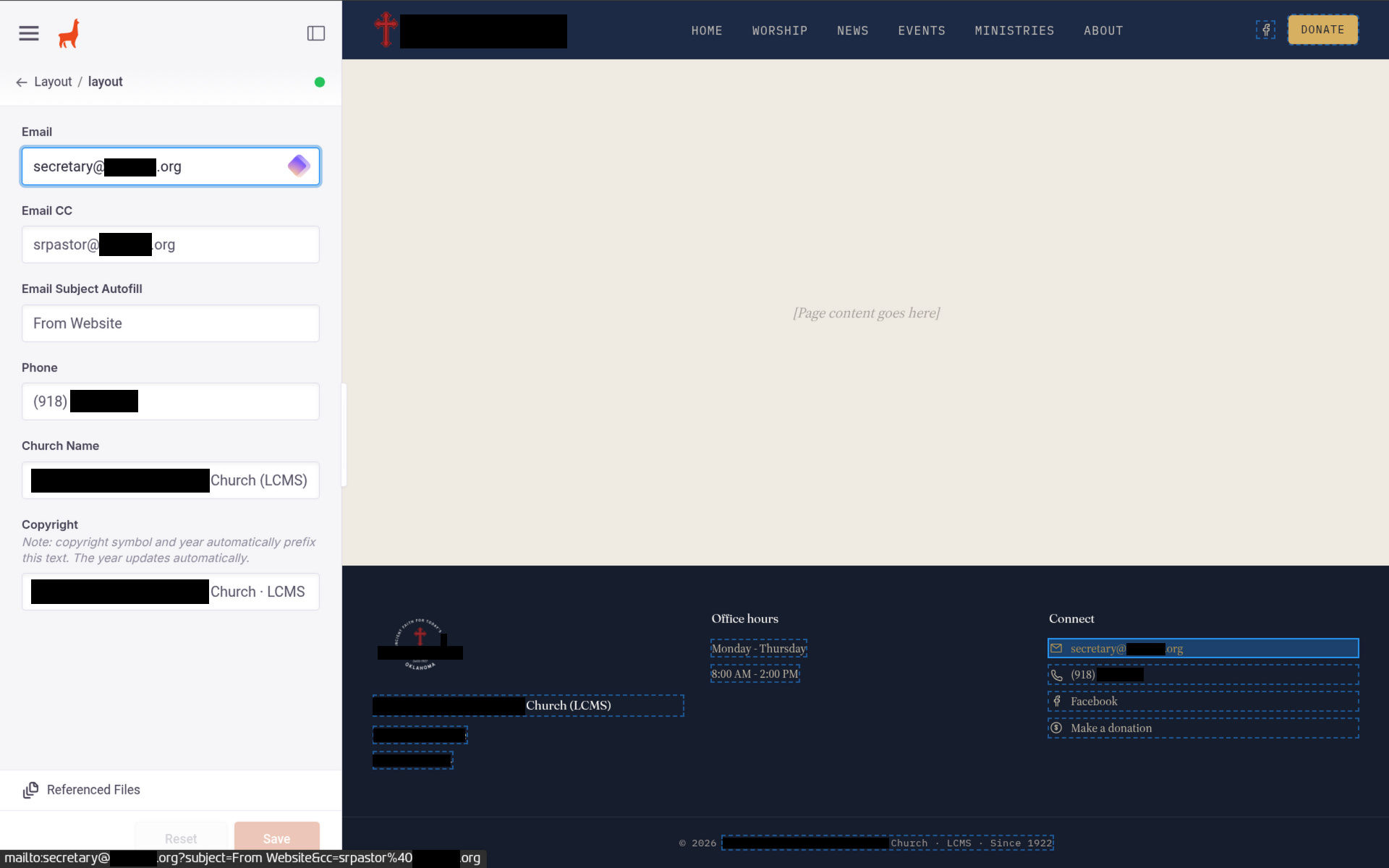
A few weeks ago, I noticed my church’s website looks a little dated and unpolished, so I decided I would help out the church by redesigning it from scratch. I’m giving the church a brand new, well polished, feature-rich, modern, accessible, mobile responsive website with a full content management system (CMS), which allows church staff to update content on the website without having to do any coding. The CMS panel even includes a visual editor, and a lot of possibilities to expand its function. For example, since I, the developer, choose how the code interprets the content from CMS, it can not only update text and image content, but also styling and structure if I choose to set it up that way (to a somewhat limited extent). For example, I can add a field under the home page hero section for “heading font” where the user can type in a font name, and if it exists in the website files or any visiting user has it installed, the font will work. A cooler idea I have is a custom page creator. While CMS can’t normally create new pages, I can set it up so that the code generates pages from CMS content, where the CMS user can add sections, choose how to style them (font, background image/texture, how many text elements, etc.) and in what order elements in the section appear. While this would be complicated, I think it is very doable, and is something I plan to experiment with when I’m done with the MVP of the website, perhaps slightly sooner so that I can test it on the last couple of the more basic pages I plan to add.
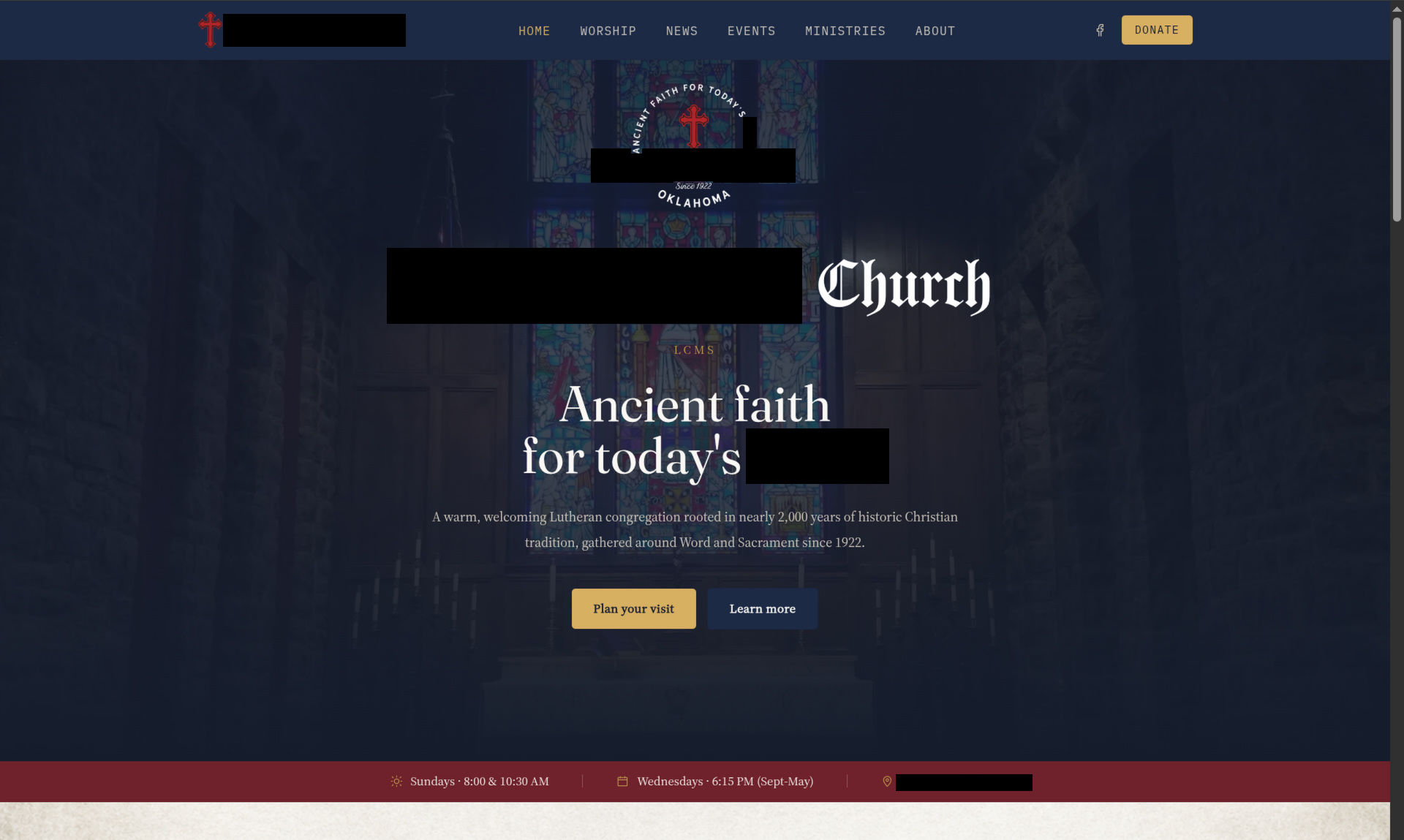
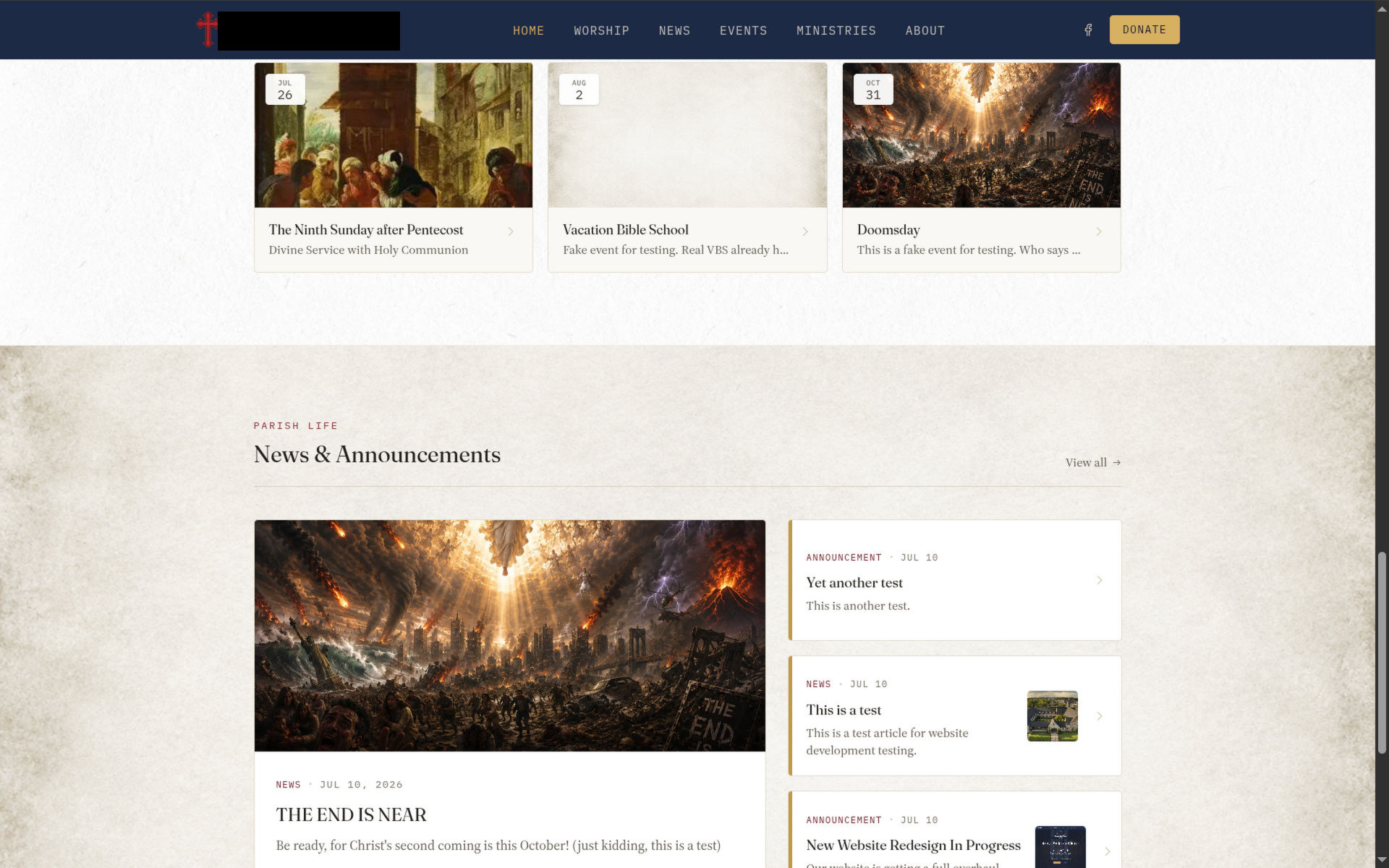
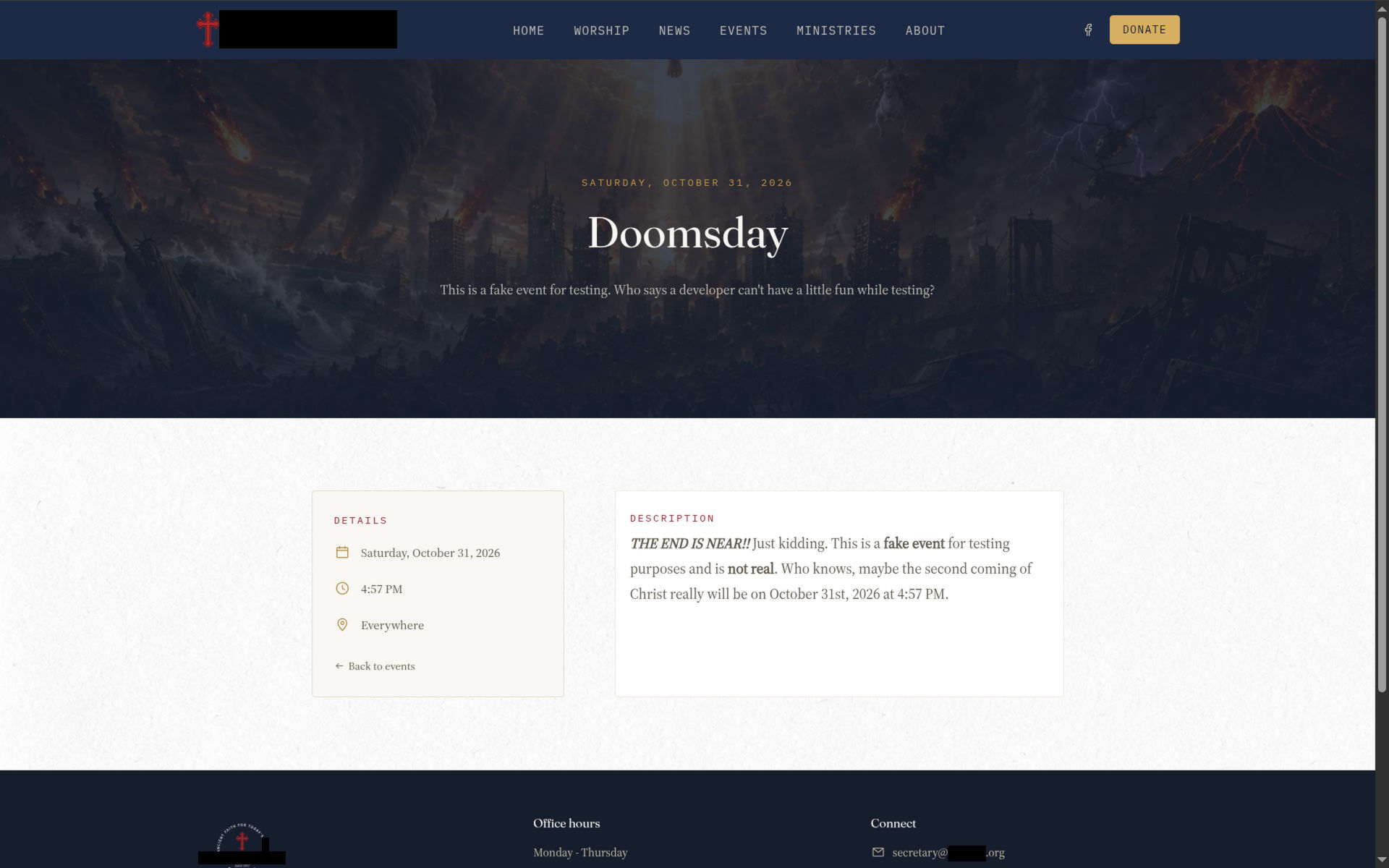
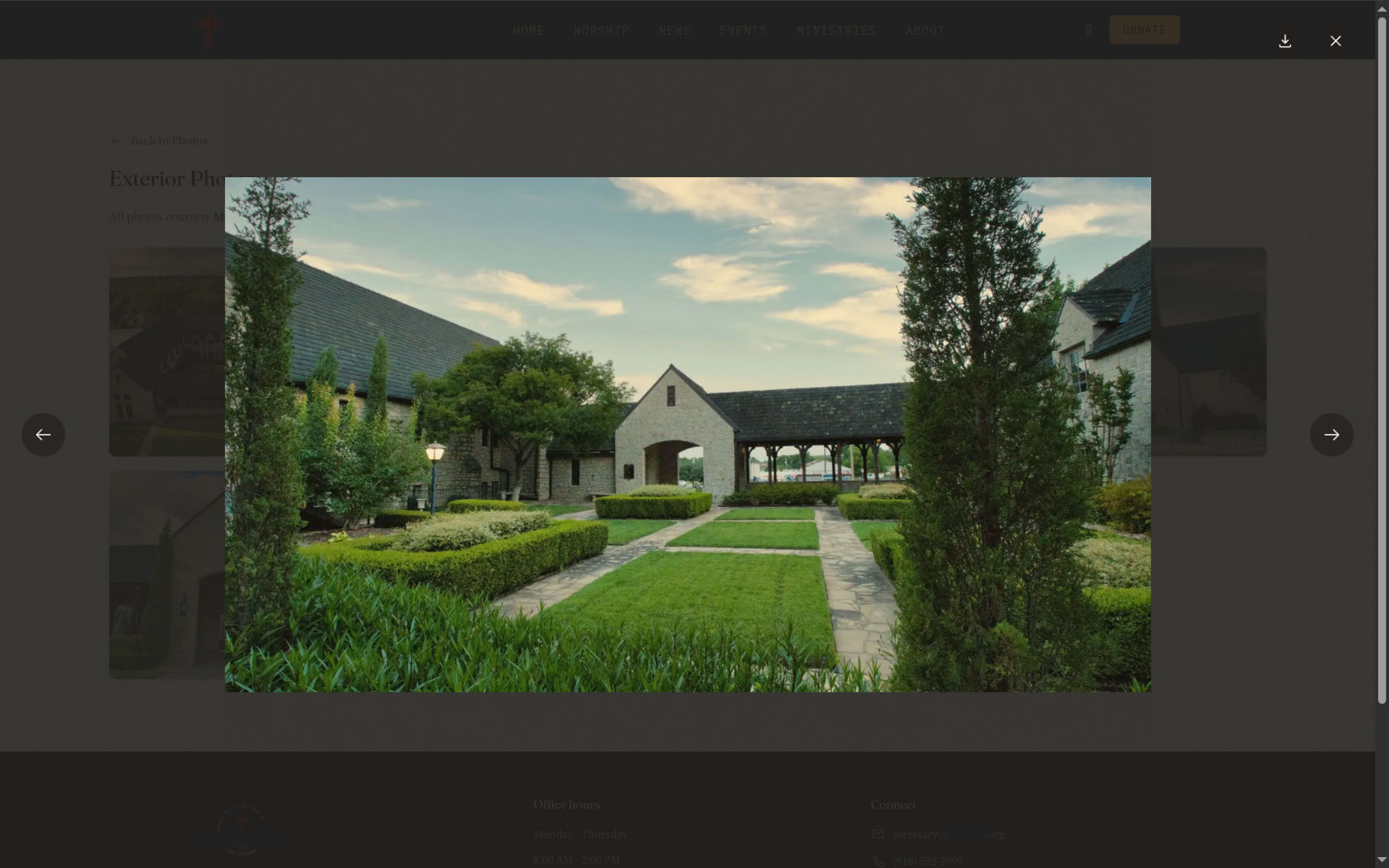
Here’s a few screenshots of the website so far (with some information censored for my privacy):
For comparison, here’s a few screenshots of their current design this will replace:
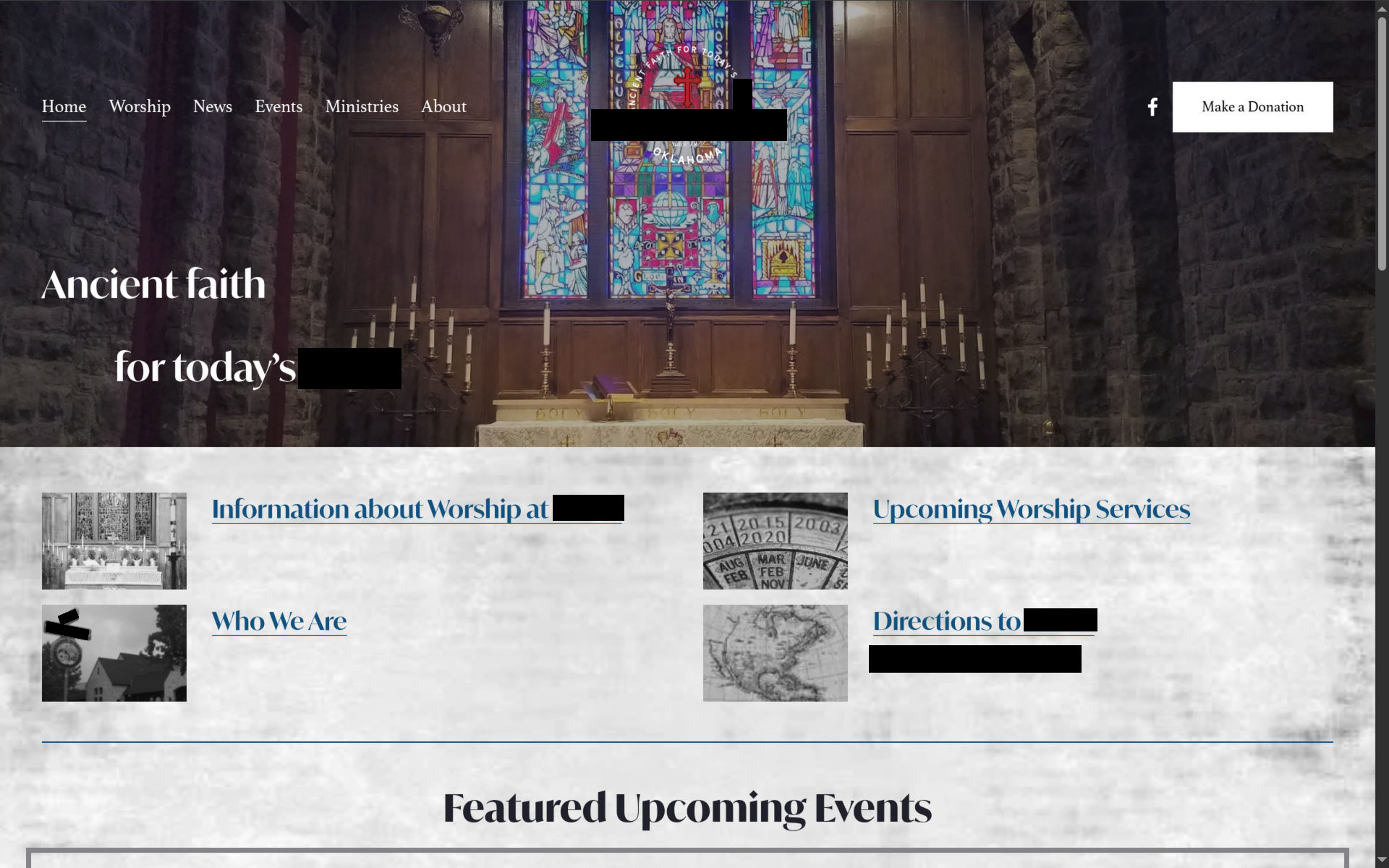
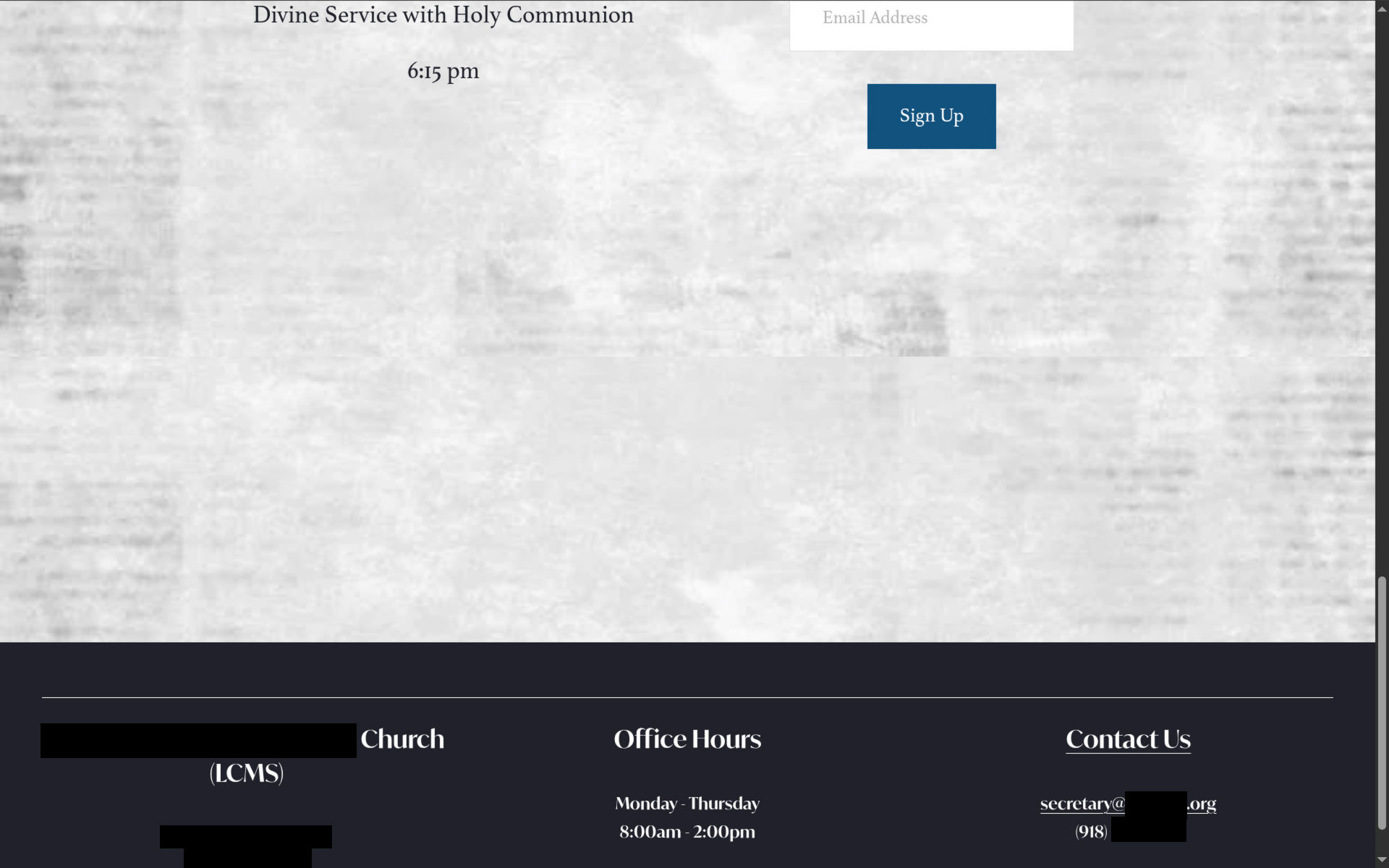
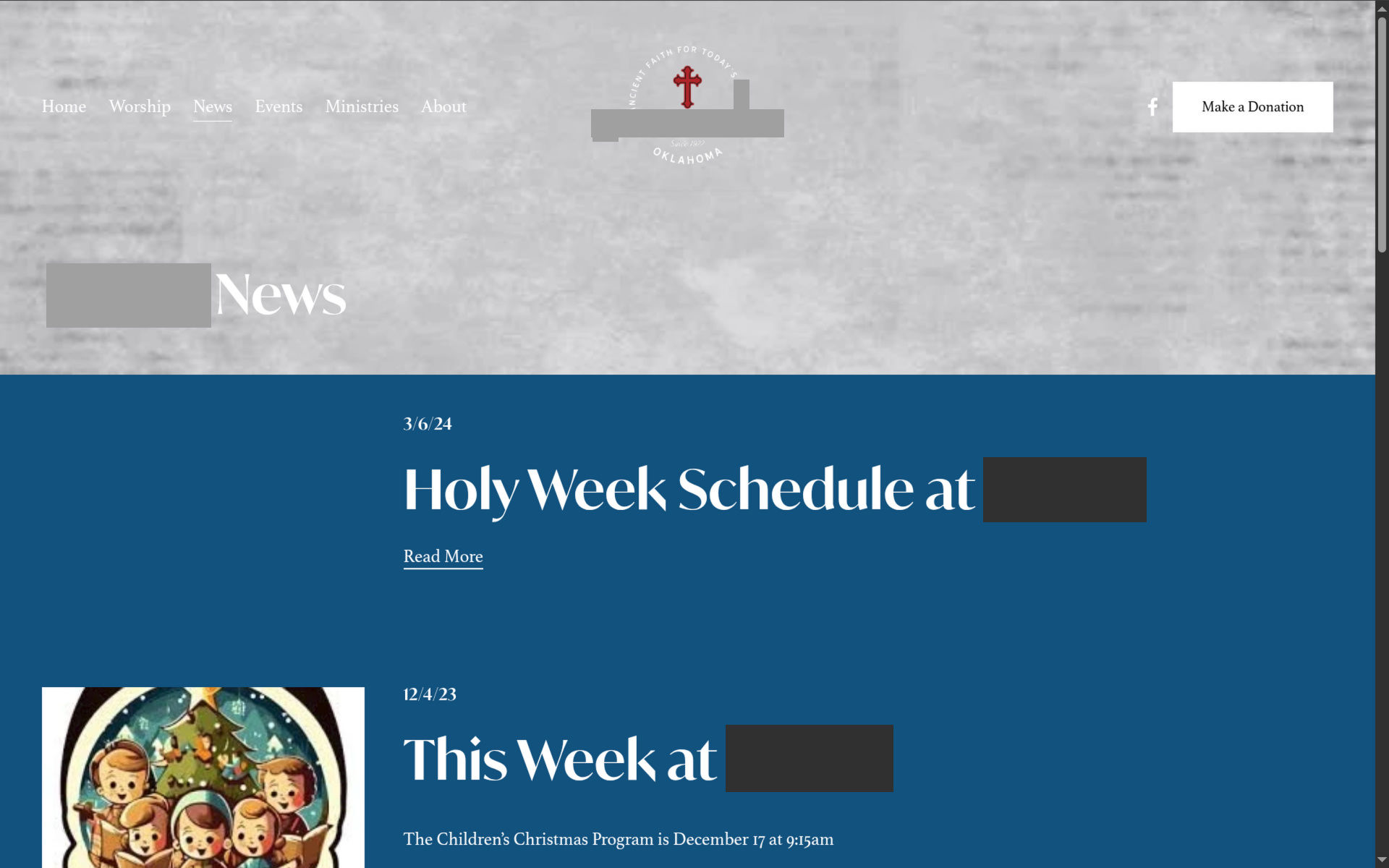
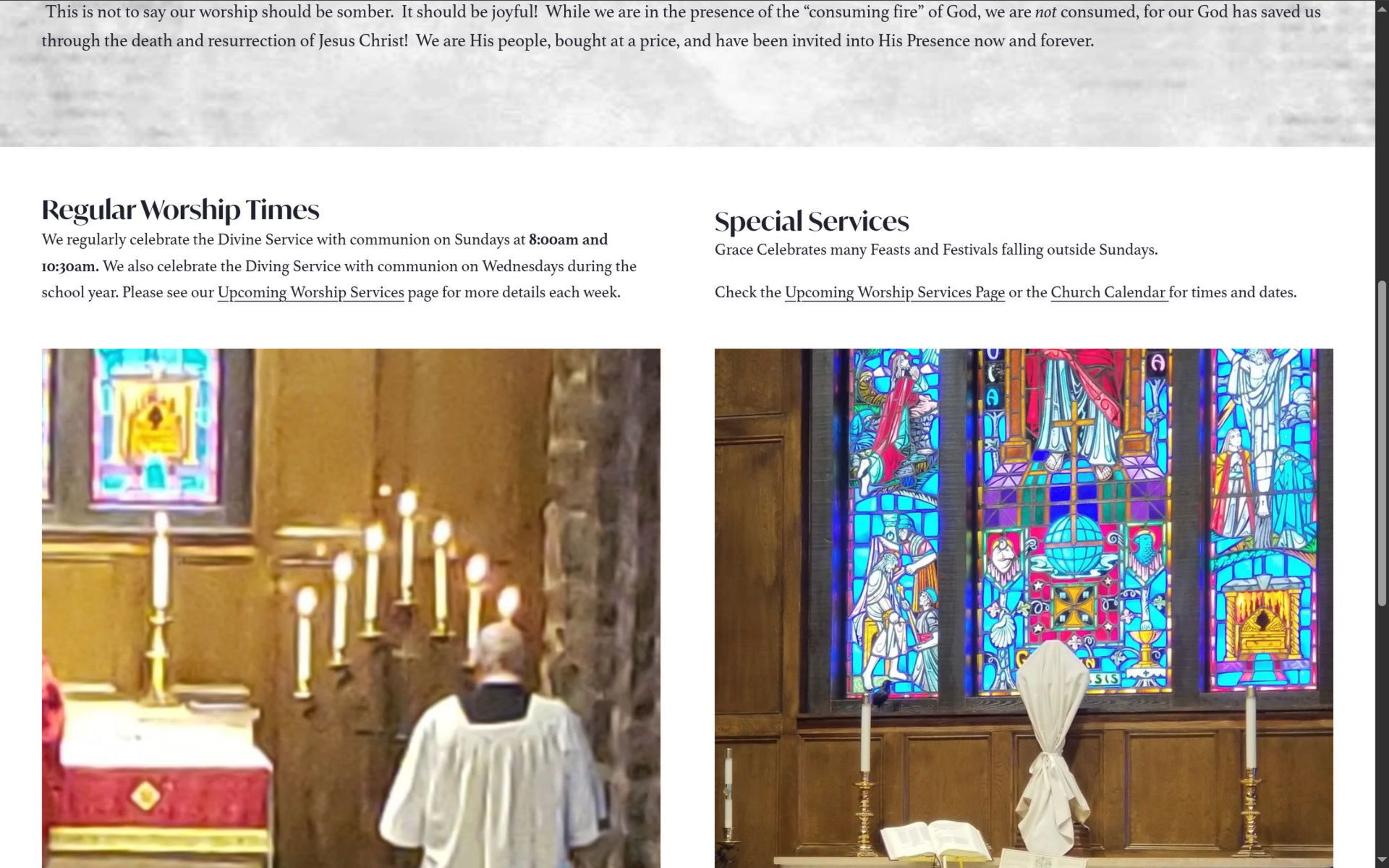
As you can see, my new website design is a major upgrade from their previous design in both my and the church staff’s opinions, and I’m quite proud of my design so far.